
Fleet graphics maintenance is a repeatable process for cleaning, inspecting, documenting, and repairing vehicle graphics before minor wear becomes a larger problem. For Portland-area operations teams, a clear routine helps every vehicle present a consistent brand while rain, road grime, daily routes, and frequent loading put the graphics to work.
Request a fleet graphics assessment from APM PrintWorks to plan repairs, replacements, or graphics for additional vehicles.
This guide gives fleet managers a practical schedule that can fit into existing inspections and wash cycles. It also explains what drivers should report, when a repair may be enough, and when replacement is the better operational decision. APM PrintWorks provides vehicle fleet graphics and large-format printing support for businesses and organizations across the greater Portland metropolitan area.
Fleet graphics maintenance starts with a repeatable schedule
A useful fleet graphics maintenance schedule combines quick driver checks, planned washing, monthly condition reviews, and prompt professional assessment of damage. The best schedule is simple enough to follow across every route, shift, and location.
A maintenance program works only when the team knows who owns each task. Drivers are usually best positioned to notice fresh scrapes, lifting edges, or unusual stains during a pre-trip or post-trip walkaround. A fleet lead can review documented issues, approve cleaning or repair work, and keep records tied to each vehicle.
Daily or end-of-shift checks
Ask drivers to look at the most vulnerable areas without turning the check into a lengthy inspection. Door edges, wheel wells, lower panels, bumpers, and frequently handled areas tend to show damage first. Drivers should report new lifting, cuts, bubbles, deep scratches, or contamination that did not come off during normal cleaning.
Weekly cleaning
Set a regular wash window based on route conditions and vehicle use. A vehicle that spends the week on wet roads or near construction activity may need more attention than one used for short urban routes. The goal is not a rigid calendar. It is a predictable trigger that prevents grime from remaining on the graphics indefinitely.
Monthly condition review
Once a month, have one person review the entire fleet using the same checklist and photo angles. Consistent documentation makes it easier to see whether wear is isolated or appearing across several vehicles. It also helps operations leaders plan downtime and group repair work efficiently.
- Daily: Note fresh damage, lifting, or unusual contamination.
- Weekly: Wash graphics using a gentle, repeatable process.
- Monthly: Photograph and score the condition of each vehicle.
- As needed: Ask a graphics professional to assess damaged areas.
How should your team wash fleet graphics?
Wash fleet graphics with clean water, mild soap, and soft non-abrasive tools. Work from the top down, treat edges gently, rinse thoroughly, and dry with clean microfiber material rather than allowing heavy residue to remain.
Cleaning is the maintenance task most likely to be performed by multiple people, so the process should be written down. A short wash standard prevents one shift from using a gentle approach while another reaches for an aggressive tool or chemical.

Use a controlled hand-wash process
- Rinse loose debris first. Removing grit before contact reduces the chance of dragging it across the surface.
- Use mild soap and a soft tool. Avoid abrasive pads and harsh chemicals that could affect the graphic surface.
- Clean panels from top to bottom. This keeps dirty runoff moving away from finished areas.
- Give edges extra care. Do not scrub aggressively against seams, corners, or lifted areas.
- Rinse and dry. Remove soap residue and use clean microfiber material for a consistent finish.
If a team uses pressure-washing equipment, follow the graphic manufacturer’s care guidance and avoid directing concentrated pressure at edges or existing damage. When the correct method is uncertain, pause and ask the graphics provider rather than risk turning a small issue into a larger one.
Create a simple wash-station standard
Keep approved soap, tools, and written steps together. Labeling the approved supplies removes guesswork for drivers and wash crews. The standard should also explain when to stop cleaning and report a problem, such as when an edge is already lifting or a contaminant cannot be removed gently.
For a broader look at planning, design, and installation, operations teams can use APM PrintWorks’ fleet vehicle graphics guide alongside this maintenance routine.
What should a fleet graphics inspection include?
A fleet graphics inspection should check edges, seams, corners, high-contact areas, lower panels, color consistency, surface contamination, and any damage near doors or hardware. Photograph each issue with the vehicle number and inspection date.
A good inspection turns visual observations into actionable information. Instead of writing “wrap looks worn,” record the location, size, type of wear, and whether it has changed since the last review. This gives a graphics provider enough context to help determine the next step.
Inspect the areas that work hardest
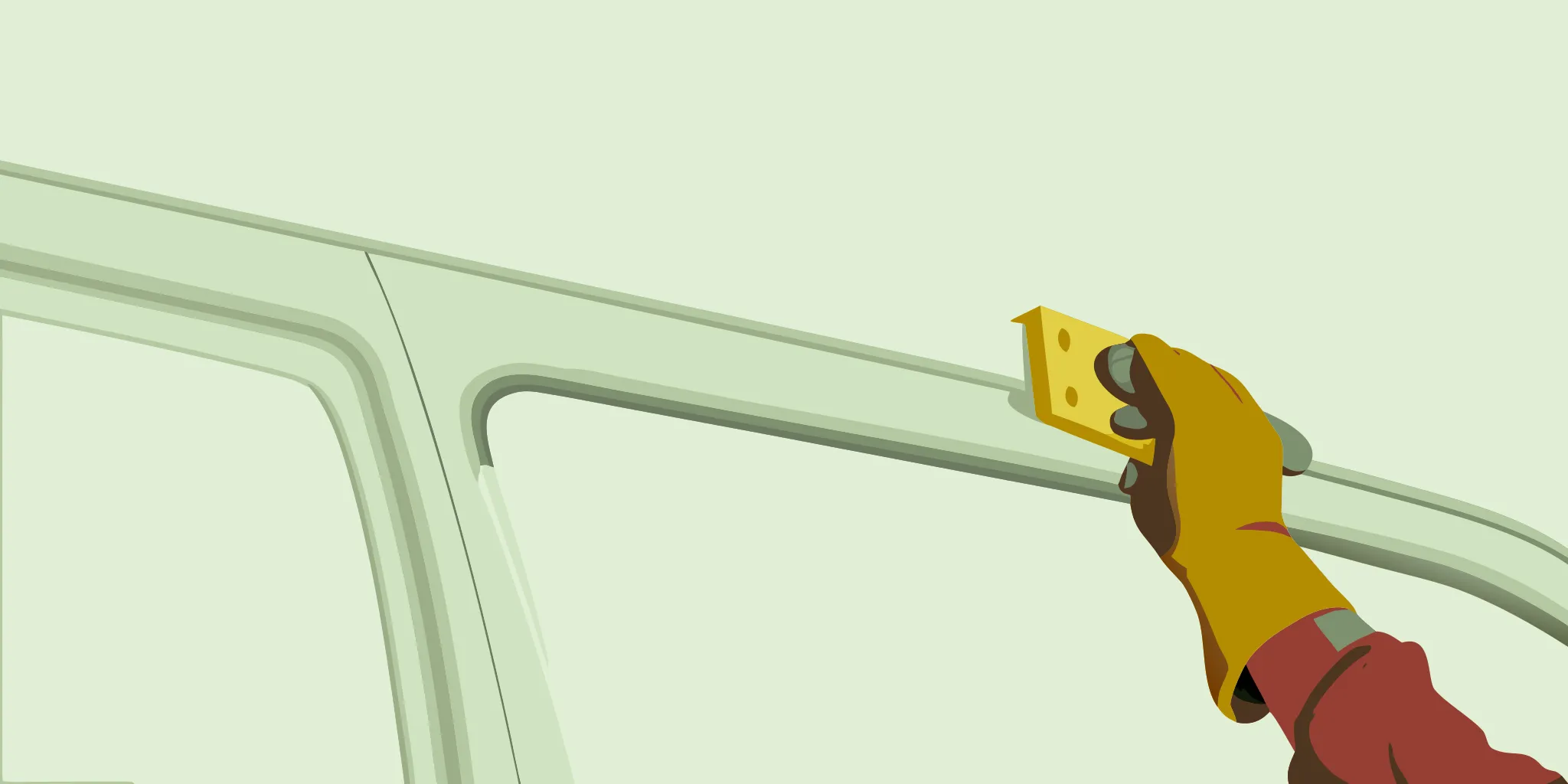
Start with areas exposed to frequent touch, road spray, cargo activity, or moving parts. Look closely at door edges, handles, hinges, lower panels, and corners. Then step back and review the vehicle as a whole. This wider view helps identify inconsistent color, missing elements, or damage that may be hard to notice up close.
Use photos that support decisions
Take one full-side photo and one close-up of each issue. Include a vehicle identifier and a simple size reference when practical. Store the images with the vehicle’s maintenance record. Repeating the same photo angles each month makes change easier to recognize.
Assign a condition score
A three-level score is often enough for operations teams. Green means the graphic is clean and intact. Yellow means the issue should be watched or professionally assessed. Red means the damage affects brand consistency or is spreading and should be prioritized. The score is not a technical diagnosis. It is a routing tool that helps the fleet lead respond consistently.
Send APM PrintWorks clear photos of a concern and ask whether the affected graphic should be assessed for repair or replacement.
When should damaged graphics be repaired or replaced?
Repair may be practical when damage is limited to a defined area and the surrounding graphics remain in good condition. Replacement is usually the clearer option when wear is widespread, branding is inconsistent, or several areas are lifting, faded, or damaged.
The right decision depends on the condition of the specific vehicle and the graphics applied to it. Operations teams should avoid making technical assumptions from a photo alone. A professional review can determine whether a localized fix will produce a consistent result or whether a larger replacement is appropriate.
| Condition | Operational response | Likely next step |
|---|---|---|
| Small, isolated issue | Photograph, note location, prevent further disturbance | Request a repair assessment |
| Several lifting or damaged areas | Prioritize review and plan vehicle access | Compare repair with panel replacement |
| Widespread wear or inconsistent appearance | Review brand consistency across the fleet | Plan replacement or phased refresh |
| New vehicle added to the fleet | Gather current brand files and vehicle details | Coordinate matching graphics |
Consider the whole fleet, not one panel
A technically possible repair may still leave one vehicle looking different from the rest. Before approving work, consider the age and appearance of graphics across all active vehicles. A phased refresh can help an operations team maintain consistency while coordinating around budgets and vehicle availability.
Plan downtime before it becomes urgent
Maintenance records help teams anticipate when more vehicles may need attention. Sharing fleet size, vehicle types, route conditions, and known issues gives the provider a clearer starting point. APM PrintWorks supports businesses seeking a consistent approach to commercial fleet branding, including planning for new and existing vehicles.
Build graphic care into everyday fleet operations
The easiest way to sustain fleet graphics maintenance is to connect it to work the team already performs. Add a few graphic-condition checks to driver walkarounds, wash procedures, maintenance software, and monthly fleet reviews.
A separate program with too many steps is easy to ignore. A small addition to established workflows is more likely to become routine. Start by defining what drivers report, where they submit it, who reviews it, and how quickly the fleet lead responds.
Add clear fields to existing reports
Use short prompts such as “new graphic damage,” “lifting edge,” “stain or contamination,” and “photo attached.” These fields encourage specific reports without asking drivers to diagnose the material. If the fleet already uses work orders, route graphic concerns through the same system with a dedicated category.
Standardize new-vehicle onboarding
When a vehicle joins the fleet, record its graphics installation date, take baseline photos, and add it to the inspection list. Store approved brand files and relevant vehicle information in one location. This makes it easier to coordinate a consistent appearance when the fleet changes.
Review patterns across vehicles
If the same area repeatedly shows wear, investigate the operational cause. Loading practices, parking arrangements, route conditions, or equipment contact may contribute. Adjusting the workflow can reduce recurring damage and provide useful context for future graphics planning.
Plan for Portland weather and daily route conditions
Portland-area fleets should adjust maintenance frequency to actual route conditions. Wet roads, grime, debris, sun exposure, parking location, and vehicle use all affect how often a graphic should be cleaned and reviewed.
Seasonal plans should be flexible. During wetter periods, lower panels and areas behind wheels may collect grime faster. During dry periods, teams may notice dust and surface contamination more readily. The response is the same: inspect consistently, clean gently, and document changes.
Match the routine to the route
A fleet with mixed routes may need more than one schedule. Group vehicles by use, environment, or parking location, then set the cleaning trigger for each group. This approach avoids over-servicing low-exposure vehicles while ensuring harder-working vehicles receive timely attention.
Protect brand consistency through change
Fleet appearance can drift when vehicles are added, retired, repaired, or reassigned. Include graphics in those operational transitions. When a vehicle changes role or a brand update occurs, coordinate the graphic plan across the fleet rather than treating each unit as a separate project.
APM PrintWorks offers vehicle wraps and graphics for Portland-area businesses and organizations. Bringing maintenance observations to the conversation helps the team understand the fleet’s current condition and the operational priorities behind the project.
Fleet graphics maintenance checklist for operations teams
A practical checklist should identify the vehicle, record the date, document cleaning, capture damage photos, assign an owner, and set the next action. Keep it short enough to complete during an existing fleet review.
- Vehicle details: Unit number, vehicle type, route group, and current graphics date if known.
- Cleaning status: Date last washed and any contamination that remained after gentle cleaning.
- Edge condition: Notes on lifting, peeling, or damage around seams, doors, corners, and hardware.
- Surface condition: Notes on scratches, bubbles, stains, or inconsistent appearance.
- Photo record: One full-side image plus close-ups of each concern.
- Priority: Green, yellow, or red based on the team’s operational response standard.
- Owner and next action: Person responsible, review date, and whether professional assessment is needed.
Review the checklist after the first month. Remove fields that do not support decisions and clarify any prompt that produces vague answers. The maintenance process should improve visibility, not add unnecessary administration.
Frequently asked questions about fleet graphics maintenance
How often should fleet graphics be inspected?
Drivers should note obvious new damage during routine walkarounds, while a designated fleet lead can perform a consistent full review each month. Adjust the frequency when route conditions, weather, or vehicle use create faster buildup or wear.
Can operations teams repair lifting graphics themselves?
Operations teams should document the issue and request professional guidance rather than attempting an improvised repair. Pulling, trimming, heating, or pressing a damaged area without the correct assessment could make the problem harder to address.
What information should be sent with a repair request?
Send the vehicle identifier, a full-side photo, close-up photos, the location and approximate size of the issue, when it was first noticed, and whether it is changing. Include any scheduling limits so the provider understands when the vehicle can be available.
How can a mixed fleet maintain a consistent appearance?
Keep approved brand files and vehicle records together, use consistent photo documentation, and coordinate additions or replacements with one fleet-wide plan. APM PrintWorks can help Portland-area teams discuss fleet graphics options for different vehicle types.
Keep your fleet ready to represent your business
Consistent cleaning and inspections give operations teams better control over fleet appearance and repair planning. A practical schedule also creates clearer information for decisions about damaged graphics, new vehicles, and phased updates. For multi-location fleets, learn how nationwide graphics installation can help deploy consistent vehicle wraps across all your sites.
Contact APM PrintWorks to discuss your fleet graphics needs or call (503) 924-6168.